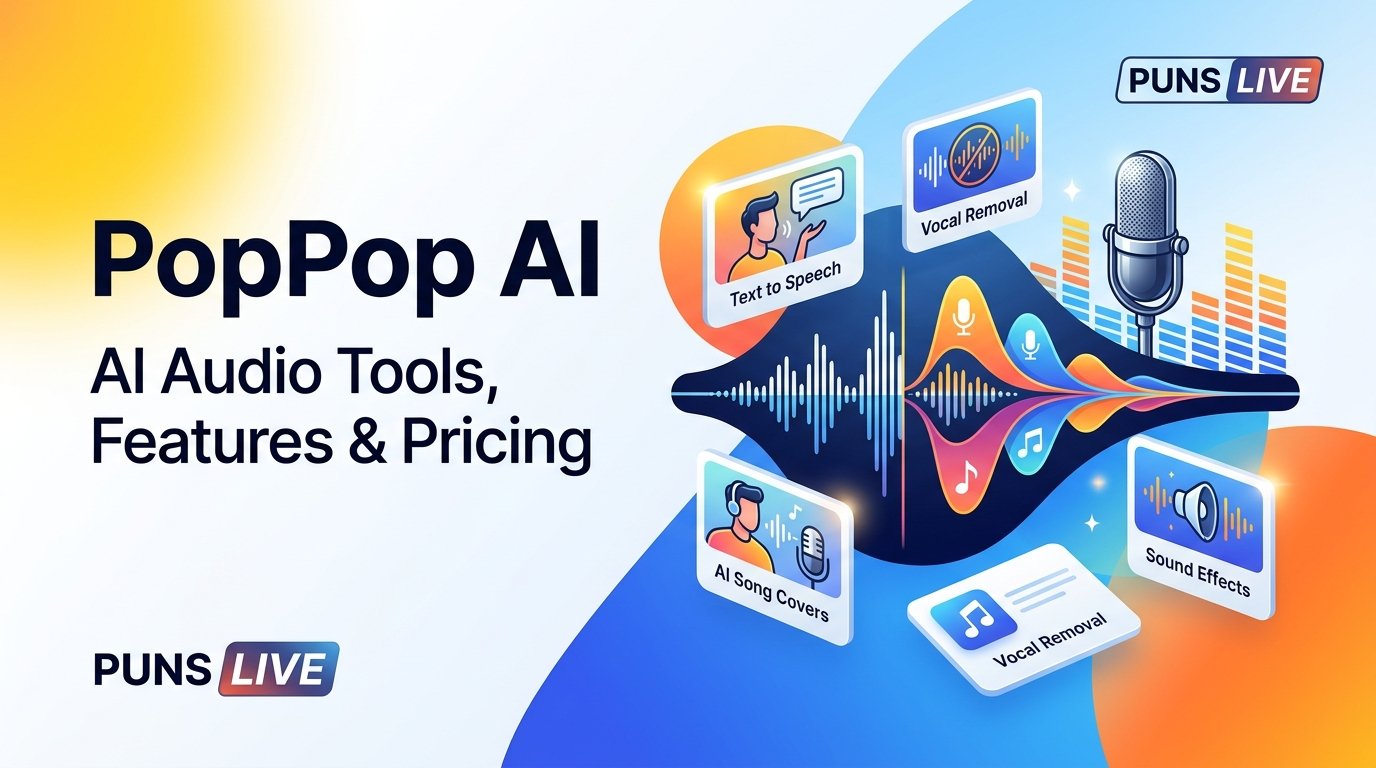

PopPop AI is an online AI audio platform that helps users remove vocals from songs, generate speech from text, create AI song covers, and explore other audio tools. It can be useful for singers, music enthusiasts, video creators, and people who want to work with audio without installing complex editing software. However, the best results depend on which tool you use, its available limits, and what you want to create.
If you are considering PopPop AI for karaoke, music editing, voice generation, or content creation, understanding its features and restrictions can help you decide whether it fits your needs.
Quick Answer: Is PopPop AI Worth Using?
PopPop AI is worth considering if you want convenient browser based audio tools, particularly for vocal removal and AI generated audio. Its main advantage is that it brings several creative features together in one place. The free vocal removal option can be useful for casual projects, while other tools have their own usage limits and pricing plans.
It is not a complete replacement for professional audio software. Users who need precise stem separation, detailed mixing controls, or reliable commercial licensing should check the output quality and terms before depending on it for important projects.
What Is PopPop AI?
PopPop AI is an AI powered audio platform designed to make common sound and music tasks more accessible. Instead of relying entirely on traditional editing software, users can access online tools for separating vocals, generating speech, modifying voices, and creating other audio content.
The platform serves different types of users. A singer might want an instrumental track for practice, while a video creator may need generated speech or a sound effect for a project. Someone experimenting with music could also explore AI song covers or voice related features.
One important distinction is that PopPop AI is a collection of tools rather than a single audio editor. Each feature serves a different purpose, and its availability, limitations, and pricing may vary.
Key Features of PopPop AI
AI Vocal Remover
The vocal remover is one of the platform’s main attractions. It uses AI based audio processing to separate vocals from instrumental music, allowing users to work with different parts of a song.
This can be useful for creating karaoke tracks, practicing a song, preparing music for a remix, or extracting vocals for an authorized editing project.
The tool supports several common media formats, including MP3, WAV, FLAC, MP4, MKV, and MOV. Its listed limits include files up to 400 MB and 20 minutes in length. Users should check the current interface for any changes to these restrictions.
The usual process is straightforward. Upload a supported file or provide a supported media link, start the separation process, and review the resulting audio before downloading it.
However, vocal removal does not always produce perfectly clean results. Background vocals, heavy reverb, overlapping instruments, and dense musical arrangements can make separation more difficult. You may hear traces of the original vocals in the instrumental track or notice artifacts in the extracted voice.
For casual listening and singing practice, these imperfections may be acceptable. Professional music production may require additional editing.
AI Text to Speech
PopPop AI also provides text to speech functionality, which converts written content into spoken audio. This can help creators prepare narration for videos, presentations, tutorials, and other projects.
Rather than recording every sentence manually, users can enter text and generate a voice recording through the available tool.
Text to speech can be particularly useful when you need to produce short narration quickly or revise a script several times. Nevertheless, the naturalness of the voice, pronunciation, pacing, and available language options should be checked before using the audio in a finished project.
Free usage is limited, so anyone planning to generate speech regularly should review the current conversion allowance and character limits.
AI Song Cover Generator
The AI song cover generator provides another option for people interested in experimenting with music and AI generated vocals.
Depending on the available features, users can explore different vocal styles and create cover versions from supported inputs. This may appeal to music enthusiasts who want to experiment with arrangements or hear how a song sounds with a different vocal presentation.
AI generated covers should not be confused with permission to redistribute the original song. Copyright can apply to the composition, recording, lyrics, and other elements involved in a musical work.
Before publishing a generated cover, check the applicable terms and make sure you have the necessary rights for your intended use.
AI Sound Effects
Sound effects are useful for adding atmosphere and detail to videos, games, presentations, and other creative projects.
PopPop AI includes an AI sound effect generator that lets users explore generated audio rather than searching exclusively through existing sound libraries. Depending on the available controls, this type of tool can help with background ambience, scene transitions, and other audio elements.
The finished result should still be reviewed for relevance, clarity, and unwanted sounds. A generated effect that works well in one scene may not suit another, particularly when timing and consistency matter.
Voice Related Tools
PopPop AI also offers voice related features, including voice changing and voice cloning options. Their availability and usage allowances depend on the specific tool and subscription plan.
Voice changing can help users experiment with the character or style of an audio recording. Voice cloning has different considerations because it can involve reproducing identifiable vocal characteristics.
Only use voices and recordings when you have the appropriate permission. Avoid impersonating someone without authorization or presenting generated speech as an authentic recording of a real person.
How to Use PopPop AI Vocal Remover
Removing vocals from a supported song generally involves three main steps.
Step 1: Choose Your Audio File
Open the PopPop AI vocal remover and select a supported audio or video file. Check the file format, duration, and size before uploading it.
If your recording exceeds the stated limits, you may need to shorten it or split it into smaller sections using an audio editor.
Step 2: Start Vocal Separation
Begin the processing step and allow the tool to analyze the recording. Processing time can depend on the length of the file, server demand, and the complexity of the audio.
Avoid assuming that every song will take the same amount of time or produce the same quality of separation.
Step 3: Preview and Download the Results
Listen to the available vocal and instrumental outputs before saving them. Pay attention to background noise, missing musical details, and any remaining vocal sounds.
If the result does not meet your needs, try another source recording or consider adjusting the audio before processing it again.
For the best outcome, begin with a clear recording and keep an unmodified copy of the original file.
PopPop AI Pricing: Is It Really Free?
PopPop AI offers free access to some of its tools, but that does not mean every feature has unlimited free usage.
Its audio tools pricing page lists the following plans.
| Plan | Listed price | Main details |
| Free | $0 | Limited daily access to supported tools |
| Basic monthly | $9.95 per month | Expanded allowances for supported features |
| Basic annual | $79 per year | Annual billing with monthly usage allowances |
| Enterprise | Custom pricing | Options for teams and business requirements |
The published free plan includes up to 15 text to speech conversions per day, with 500 characters per conversion, and up to 20 song cover generations per day. The listed Basic plan provides higher allowances for these features.
These figures describe the published audio tools plans and should not be interpreted as identical limits for every service on the platform. Vocal remover access and other individual features may follow different rules.
Before paying for a subscription, consider how frequently you will use the tools, whether your projects fit within the free allowances, and which paid features you actually need. Check the official pricing page for the latest limits and billing terms.
Pros and Cons of PopPop AI
Advantages
Multiple tools in one place: Users can explore vocal removal, text to speech, song covers, and other audio features without relying on a separate service for every task.
Convenient online access: Browser based tools can reduce the need to install dedicated audio software for simple projects.
Useful for beginners: The basic workflow is accessible to people who do not have extensive music editing experience.
Free options: Some tools offer free access, making it easier to explore their capabilities before purchasing a plan.
Different creative applications: The platform can support karaoke preparation, narration, music experiments, and sound design.
Limitations
Output quality can vary: AI audio separation and generation may produce artifacts, inconsistent voices, or unwanted sounds.
Usage restrictions apply: Free plans have limits, and more demanding projects may require a paid subscription.
Less detailed editing control: Users who need precise mixing, equalization, multitrack editing, or advanced mastering may prefer dedicated software.
Rights still matter: Generating or extracting audio does not automatically grant permission to publish copyrighted material.
Privacy deserves attention: Uploading recordings to an online service requires reviewing its data handling practices, particularly when files contain private or commercially sensitive material.
Is PopPop AI Safe to Use?
PopPop AI publishes a privacy policy and terms of service describing how its services operate and how user information is handled. Its privacy policy identifies categories of collected information such as IP addresses, device details, browser information, usage data, and cookies.
Its terms also state that users retain ownership of uploaded content while granting the service a license to process and display that content as needed to provide its services.
These statements are important, but they should not be interpreted as a guarantee that every uploaded file is immediately deleted or that all data handling risks are eliminated.
Before uploading audio, review the current privacy policy and terms. Avoid submitting confidential recordings, unreleased commercial music, or sensitive voice samples unless you understand how the service processes and handles them.
For voice cloning and similar features, use only material you are authorized to submit. If you plan to use generated audio in a business project, check both the platform’s terms and the rights associated with the source material.
PopPop AI Alternatives
PopPop AI is not the only option for audio editing and generation. The right alternative depends on the task you want to complete.
| Tool | Best suited for |
| LALAL.AI | AI powered vocal and instrumental separation |
| Moises | Music practice, stem separation, and musician focused tools |
| ElevenLabs | AI voice generation and text to speech |
| Audacity | Desktop audio editing, recording, and manual sound processing |
LALAL.AI and Moises are worth exploring if your main goal is separating musical stems or practicing with songs. ElevenLabs is more relevant when your priority is generated speech and voice production. Audacity offers more direct editing control for users who prefer working with audio files on their computer.
These tools are not identical, and their pricing, features, and restrictions can change. Compare the specific functions you need rather than choosing solely on the number of tools a platform advertises.
For occasional vocal removal and experimentation with different audio features, PopPop AI may be a convenient starting point. For advanced production work, a dedicated application may offer better control over the final result.
Who Should Use PopPop AI?
PopPop AI may suit several types of users.
Singers and music learners can use vocal removal to prepare practice tracks and work on their timing or pitch.
Content creators can explore text to speech and sound effects for videos, tutorials, and presentations.
Music enthusiasts can experiment with instrumental tracks, extracted vocals, and AI song covers.
Beginners may appreciate having several audio tools available through an online platform instead of learning a complex editing application immediately.
However, professional producers, studios, and commercial teams should assess output quality, usage limits, licensing requirements, and privacy conditions before making it part of a regular production workflow.
Final Verdict
PopPop AI brings several AI audio tools together in a convenient online platform. Its vocal remover is useful for people who want to separate vocals from music, while its speech generation, song cover, and sound effect features provide additional creative options.
The main benefits are accessibility, a range of audio functions, and free entry points for selected tools. Its limitations include variable output quality, usage restrictions, and the need to check privacy and copyright requirements before using generated or extracted audio.
If you need a quick way to experiment with audio or prepare a karaoke track, PopPop AI is worth exploring. If your work requires precise production controls, consistent professional results, or commercial use, compare its output and terms with dedicated alternatives before committing to it.
FAQs
Is PopPop AI completely free to use?
Some PopPop AI tools offer free access, but usage limits vary by feature. Text to speech and song cover generation have published daily allowances, while paid plans provide expanded access. Check the current pricing page for the exact terms of the tool you intend to use.
Can PopPop AI remove vocals without affecting music quality?
PopPop AI can separate vocals and instrumental audio, but perfect separation is not guaranteed. Background vocals, reverb, and overlapping instruments can affect the result. Preview the output before using it in a finished project.
Can I use PopPop AI generated audio commercially?
Commercial use depends on the applicable platform terms, the specific tool, and the rights attached to the original or generated material. Do not assume that extracting vocals, generating a cover, or changing a voice automatically gives you permission to distribute the result commercially.